

You can change the type of package you receive at anytime by logging into your personal Member Account page. On the left hand side, choose the subscription for which you want to change and select EDIT under Update Your Information.
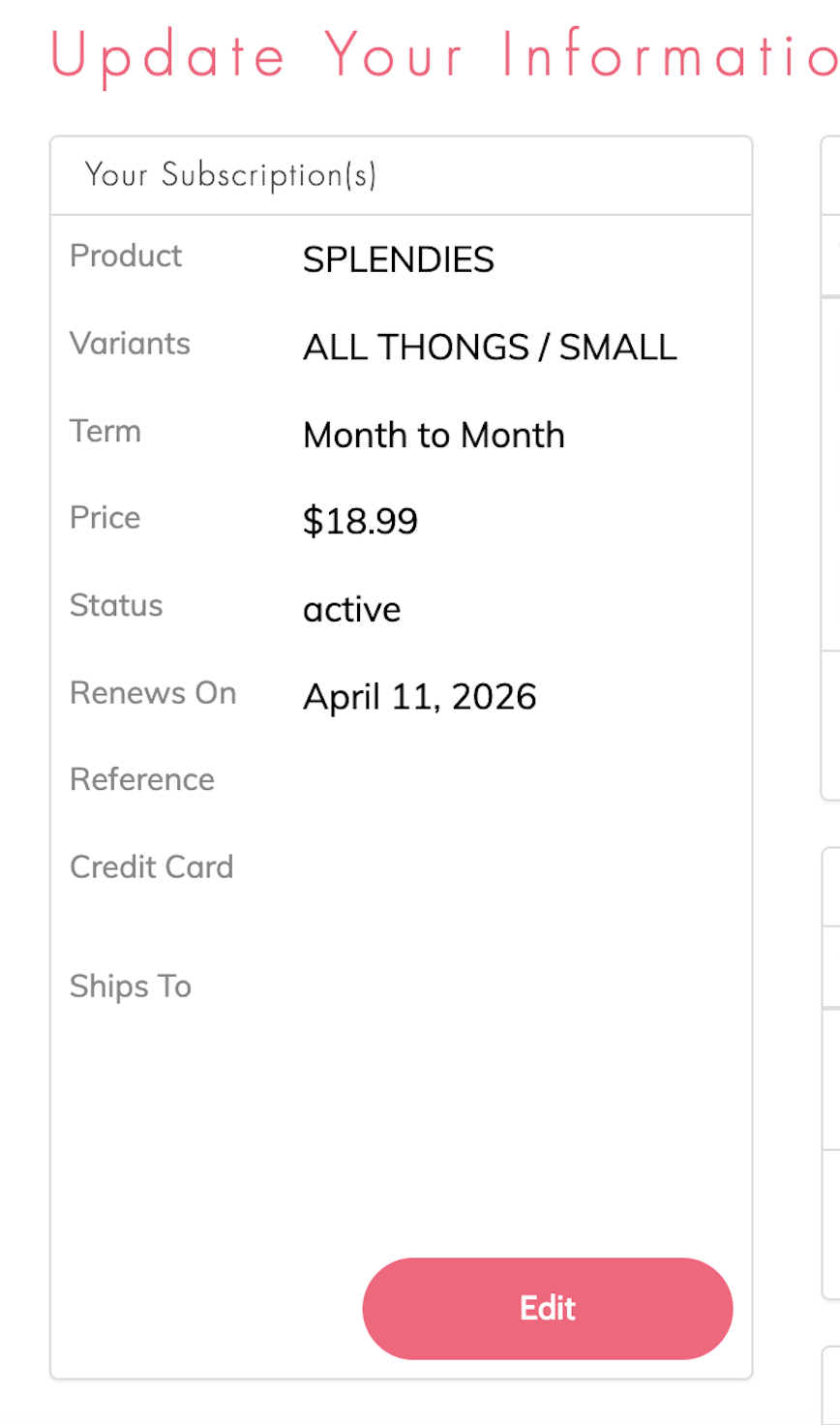
There you will be able to update your package preferences. You will also have the opportunity to change your size, type, and length of subscription.
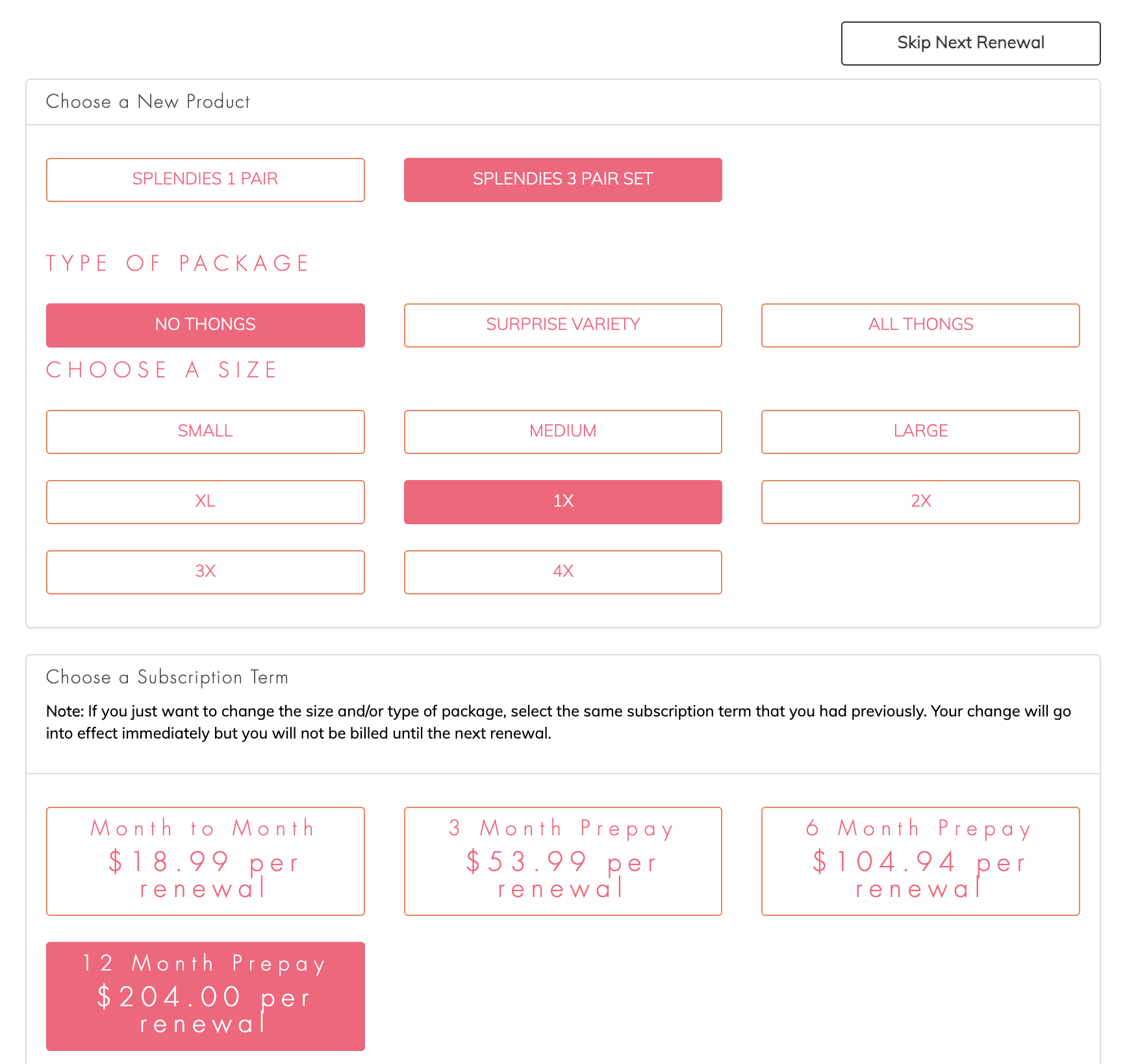
Now that you've made your updates, select "Next Page" to review and confirm all of your changes. Once you've ensured everything is correct, hit "Confirm" and your subscription changes will be updated in our system and should now also be reflected in your account profile.
Note: In order to guarantee that your change goes into effect for the current month, we require that all requests be done before the 8th of each month. Requests made on or after the 8th will apply to the following month's shipment. Changes to prepaid plans may apply to the following renewal. Contact our customer service team if you have questions or to ensure your change will be in effect for your next shipment.