

You can change your billing information at any time by logging into your personal Member Account page.
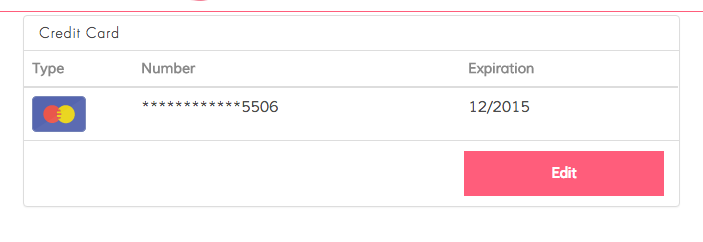
Scroll down to the Credit Card section and click "Edit".
Enter your new billing information and click "Save".
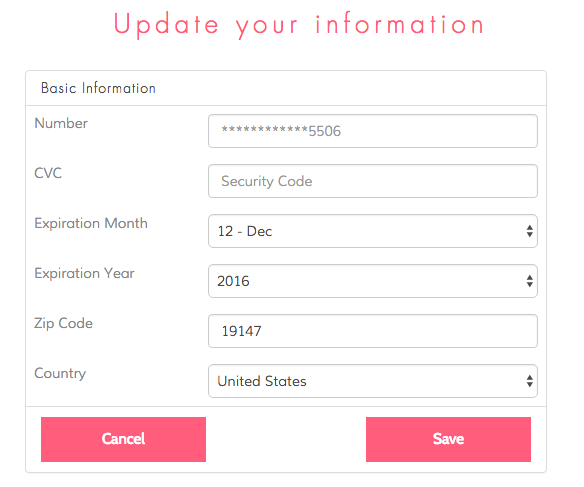
Your new billing information is now in the system.
If you are updating your information on our billing date (the 11th of each month) or after your card will be billed immediately and we'll begin processing your order.
If you are updating your information BEFORE the 11th of that month then we'll save your information and bill you to the preferred method on the 11th for that month's Splendies.