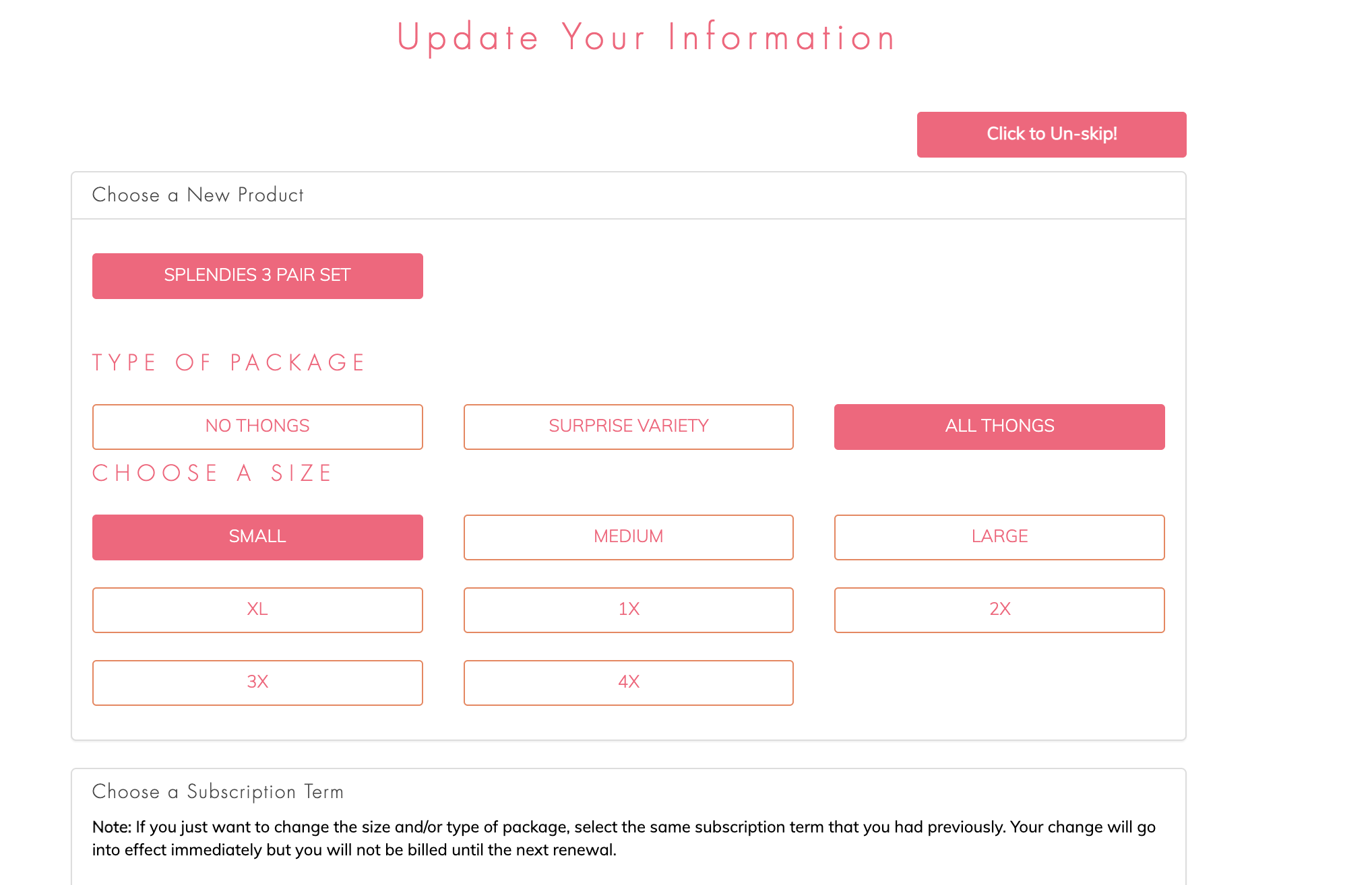

Decided that you don't want to miss out on your next Splendies? It's easy to unskip.
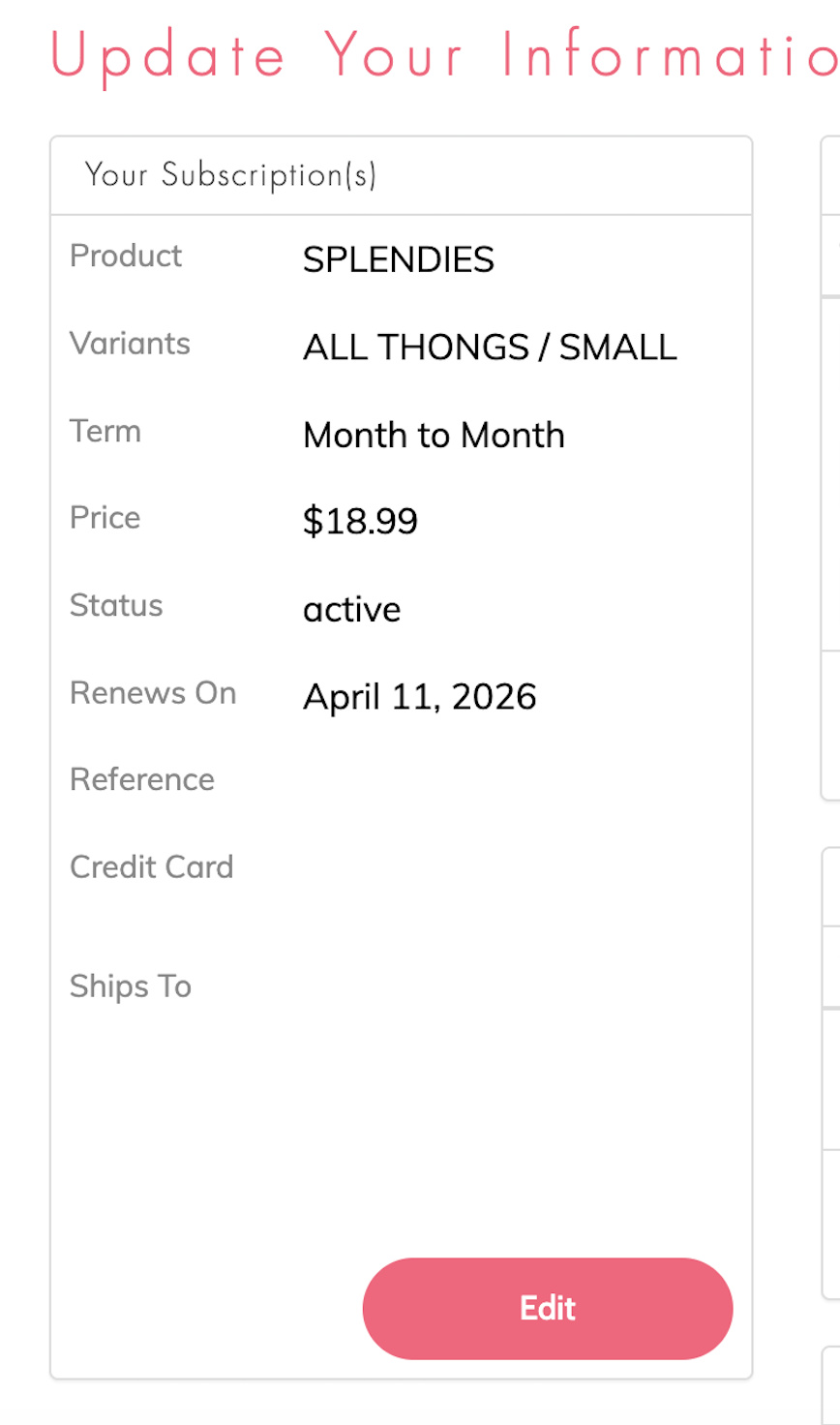
Just log into your account and click on the subscription that you wish to unskip. Click the "Edit" button.
From the "Update Your Information" page just click the "Click to Un-Skip!" button on the top right.
That's it! You'll be all set to get your next Splendies package! You can always double check your next renewal date by visiting your account page.